Integrate the official WhatsApp Business Calling API to enhance your customer service experience. Make and receive voice calls directly within the Udesk omnichannel platform.
Try It Free NowTransform the way you communicate with customers through advanced voice integration.
While exchanging text messages is efficient, voice calls offer an unmatched advantage in handling complex issues and building emotional connections with your customers.
Udesk integrates the WhatsApp Business Calling API to deliver a comprehensive omnichannel voice and chat solution. Your team can make or receive WhatsApp calls directly within a unified work platform.
Key Advantages: Instant responses, a more personal experience, full omnichannel integration, and compliance with Meta's global security standards.
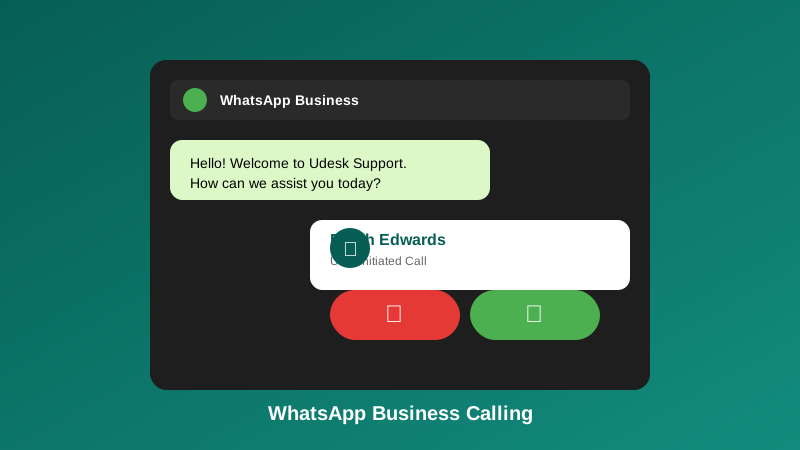
Tools designed to boost team productivity and customer satisfaction.
| Functional Feature | Business Value |
|---|---|
| Outbound Calls | Initiate proactive calls to potential customers to accelerate sales conversions. |
| Real-time Reception (Inbound) | Receive customer calls directly from the WhatsApp interface into the Udesk dashboard. |
| Official Request Flow | Ensures full compliance with WhatsApp standards to reduce the risk of spam. |
| Functional Feature | Business Value |
|---|---|
| Unified Dashboard | Manage all chats and calls on a single screen for consistent context. |
| Automated Tickets | The system automatically creates a ticket after a call ends for better tracking. |
| Browser Calling | Make high-quality calls directly from your browser without additional hardware. |
Full integration with various communication channels in a single work platform.
Monitor call duration, agent performance, and customer satisfaction levels in real time.
Compliance with Meta's official security standards to protect the privacy and integrity of your account data.
Three simple steps to start efficient voice communication.
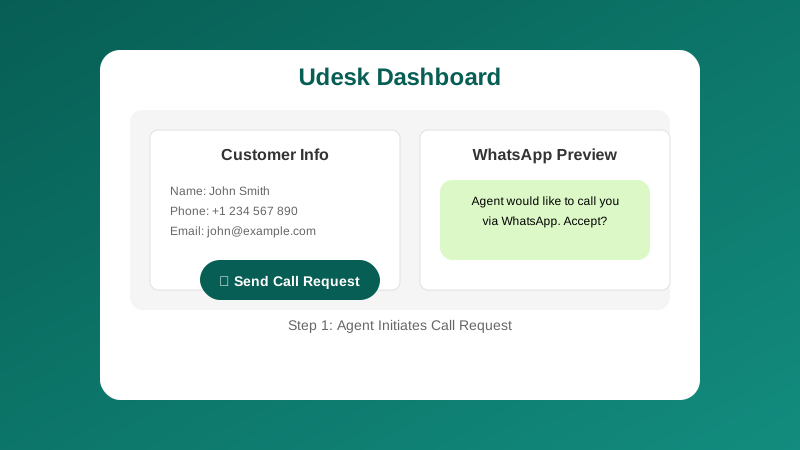
The agent sends a call confirmation message to the customer through the Udesk dashboard.
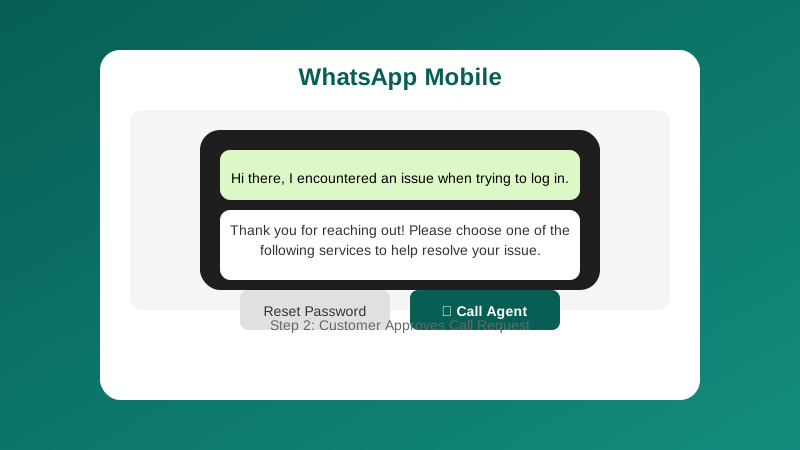
The customer receives and approves the call request directly in their WhatsApp app.
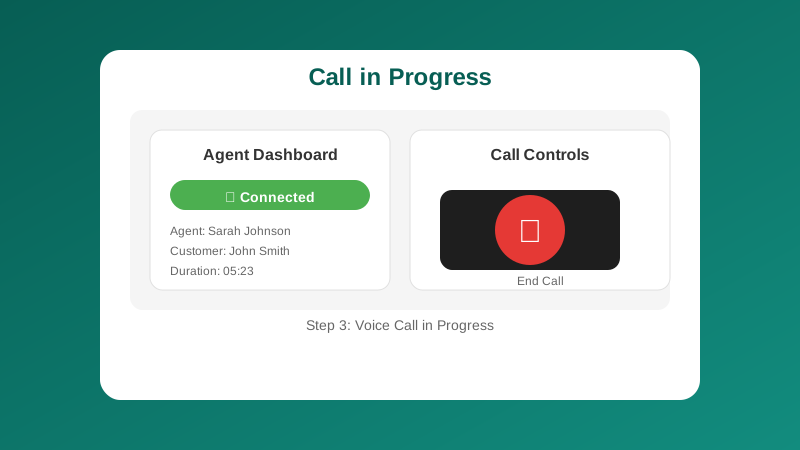
The call connects automatically and the system records all conversation data in real time.
Agent Initiation: The agent clicks the phone icon in the Udesk dashboard to send an official call permission request to the customer's WhatsApp.
Customer Approves: The customer receives the message on WhatsApp and taps the "Accept" button. A secure voice channel is instantly activated by the API.
Call in Progress: The voice call is active in the agent's browser. Once finished, the duration and recording are saved automatically in the CRM.
Solutions tailored to the diverse needs of different business sectors.
Identity verification and consultation on complex financial products with a greater sense of security.
Confirm doctor appointments and guide patient recovery through clear voice communication.
Instantly contact prospective property buyers to explore their needs in depth.
Resolve return disputes or customer complaints faster and more personally.
We deliver more than just a communication tool.
Complete reports on duration, performance, and other key metrics for management.
Automatic synchronization with 360-degree customer profiles for smarter service.
An official Meta partner that ensures compliance with global data privacy standards.
Easy to integrate with your company's existing internal systems (ERP/CRM).
Find answers to common questions about our solution.