 Customer Service Software Guides & AI Agent Blogs | Udesk
CCaaS: The 2026 Buyer’s Guide for Cloud Contact Center as a Service
article summary:The way customers interact with businesses has fundamentally shifted. In 2026, people expect instant, always-on, personalized support across every channel they use — and traditional on-premise systems can no longer keep up. Enter Contact Center as a Service (CCaaS). As organizations race to modernize their customer experience (CX) operations, understanding what CCaaS is — and how to choose the right solution — has become mission-critical.
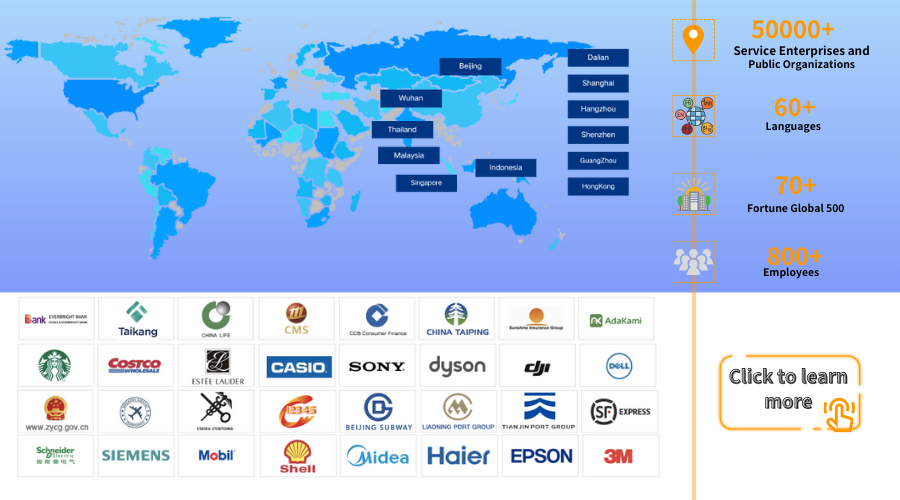



Table of contents for this article
- 1. What Is CCaaS? A Clear Definition
- 2. CCaaS vs. Traditional Call Centers: Key Differences
- 3. Why CCaaS Matters in 2026
- 4. Key Features to Look for in a CCaaS Platform
- 5. Cost Comparison: CCaaS vs. On-Premise
- 6. CCaaS Selection Criteria: A Buyer‘s Checklist for 2026
- 7. Meet Udesk: A CCaaS Solution Built for Global CX
- Why Consider Udesk?
- 🌍 Global-ready omnichannel
- 🤖 AI-native architecture
- 📈 Enterprise-proven
- 💰 Flexible pricing model
- 🔌 Open architecture
- Udesk in Brief
- FAQ
- Q1: What’s the difference between CCaaS and a traditional call center?
- Q2: How much does CCaaS typically cost, and how should I budget?
- Q3: What are the most important things to look for when selecting a CCaaS vendor in 2026?
- 》》Click to start your free trial of Udesk customer service solution, and experience the advantages firsthand.
The way customers interact with businesses has fundamentally shifted. In 2026, people expect instant, always-on, personalized support across every channel they use — and traditional on-premise systems can no longer keep up.
Enter Contact Center as a Service (CCaaS). As organizations race to modernize their customer experience (CX) operations, understanding what CCaaS is — and how to choose the right solution — has become mission-critical.
This buyer’s guide breaks down everything you need to know: what CCaaS really means, why it differs from traditional call centers, how to evaluate vendors, what the numbers look like, and a real-world solution from Udesk to anchor your search.
1. What Is CCaaS? A Clear Definition
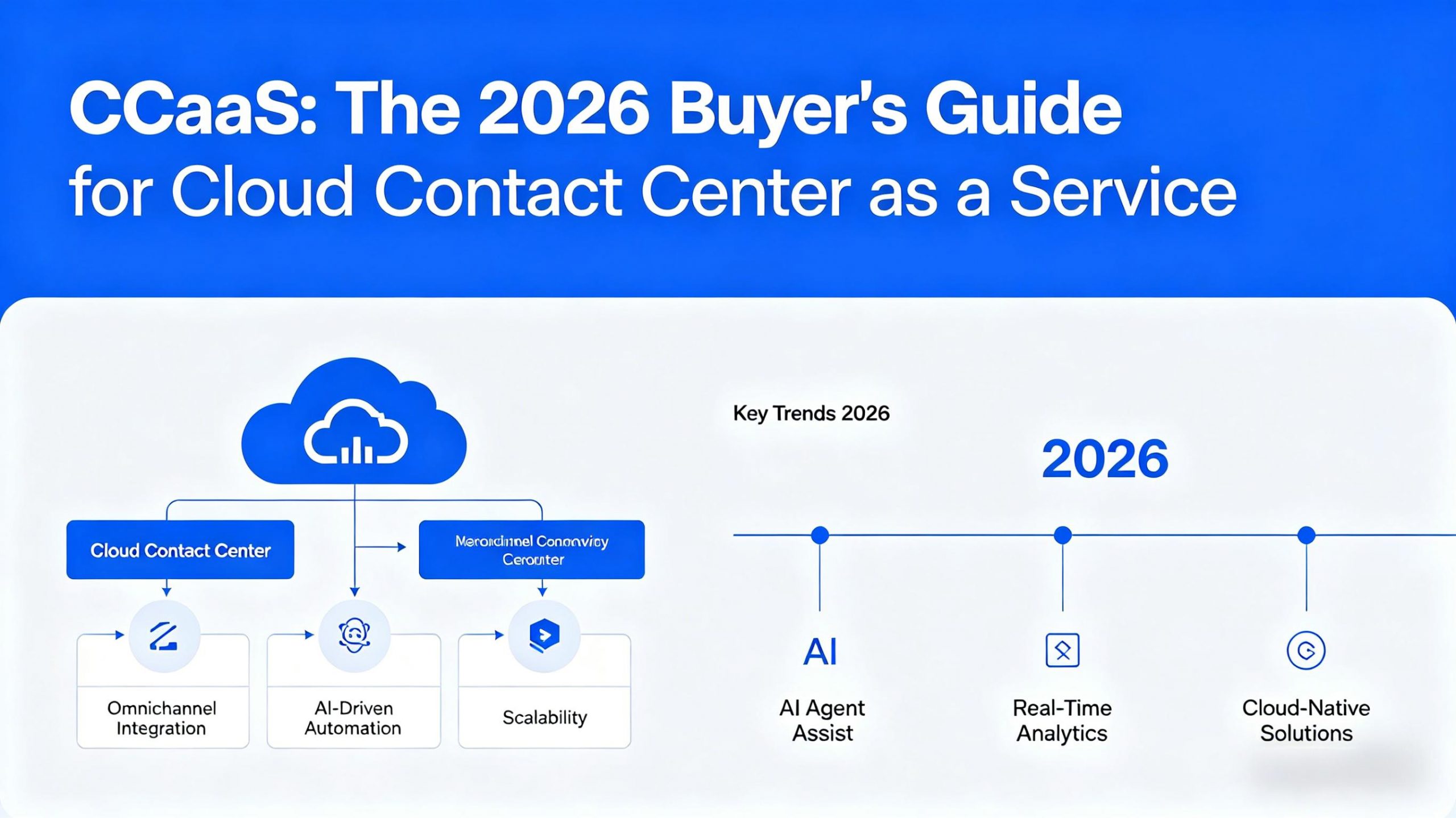
Contact Center as a Service (CCaaS) is a cloud-based deployment model that enables organizations to run their entire contact center operations using cloud infrastructure — rather than installing and maintaining physical hardware on-premises. Businesses access powerful tools for managing customer interactions across voice, chat, email, SMS, and social media — all delivered through a secure, subscription-based platform.
Think of it like the shift from buying CDs to using a streaming music service. With the old model, you were responsible for the hardware (the CD player) and the software (the CDs). Upgrading was a manual, expensive process. With the streaming model, you simply pay a subscription for access, and the provider handles all the complex technology on the back end.
Core components of a CCaaS platform include:
| Component | Description |
|---|---|
| Cloud-hosted infrastructure | No servers, hardware, or maintenance required |
| Omnichannel engagement | All customer communications flow into one unified interface |
| AI & automation | Chatbots, intelligent assistants, and automated workflows speed up resolution |
| Scalability on demand | Instantly scale teams, channels, or capacity as needed |
| Real-time analytics | Dashboards and performance insights for continuous improvement |
2. CCaaS vs. Traditional Call Centers: Key Differences
The biggest difference between CCaaS and traditional on-premises call centers is where and how they operate.
At a Glance
| Feature | CCaaS (Cloud Contact Center) | Traditional On-Premise Call Center |
|---|---|---|
| Deployment | Cloud-based, fast rollout (days) | Hardware/software on-site, long setup (months) |
| Scalability | Easy, on-demand scaling | Physical limits, expensive upgrades |
| Cost Structure | OpEx, subscription/pay-as-you-go | CapEx-heavy, maintenance contracts |
| Remote Work | Native remote & hybrid support | Complex, often limited remote setup |
| Feature Updates | Continuous, automatic | Manual, version lag |
| AI/Automation | Built-in or plug-and-play | Custom dev, complex deployments |
| Security/Compliance | Vendor managed, often certified (SOC II, GDPR) | Self-managed, can lag on standards |
Traditional Call Centers
In an on-premises environment, businesses must install and manage physical servers, phone systems, network equipment, and call center software at a single location. This approach involves high upfront costs, time-consuming maintenance, and requires teams to work from a central office.
CCaaS Solutions
CCaaS eliminates these limitations by hosting everything in the cloud. You access the platform over the internet without worrying about hardware, local servers, or location restrictions. CCaaS is a flexible, scalable alternative that enables remote work and significantly reduces upfront investment.
For most businesses in 2026, CCaaS offers a faster, smarter, and more adaptable way forward — especially if you’re prioritizing flexibility, innovation, and global reach.
3. Why CCaaS Matters in 2026
Four major forces are driving the accelerating shift to CCaaS:
1. Customer expectations have fundamentally changed
People expect faster, more personalized service across every channel — 24/7. Traditional systems simply cannot deliver this level of responsiveness.
2. Remote and hybrid workforces need flexibility
Cloud platforms allow agents to work securely from anywhere, enabling organizations to tap into global talent pools without being constrained by geography.
3. AI is redefining customer service
AI tools dramatically reduce handle times, improve accuracy, and lower operational costs. Gartner predicts conversational AI will reduce agent labor costs by $80 billion by 2026.
4. Market growth is accelerating
The CCaaS market is projected to grow from approximately $7.9 billion in 2025 to $9.4 billion in 2026, representing roughly 19% CAGR driven by strong enterprise adoption of cloud contact center platforms.
“Conversational AI will reduce agent labor costs by $80 billion by 2026.” — Gartner
4. Key Features to Look for in a CCaaS Platform
Modern CCaaS platforms offer a range of capabilities that deliver faster, smarter, and more personalized customer support. Here’s what to prioritize:
Omnichannel Communication
All customer communications — voice, email, chat, social media, SMS — flow into one unified interface. Customers can start a conversation on one channel and seamlessly continue on another.
AI-Powered Customer Intelligence
-
Natural language processing (NLP) and sentiment analysis: Interpret the text and emotional tone of customer messages in real time
-
Predictive analytics: Use historical data to predict customer behavior, such as churn risk or upselling opportunities
-
AI chatbots and virtual agents: Automate repetitive tasks and handle routine queries 24/7
Advanced Routing and IVR
Intelligent routing ensures customers reach the right agent the first time — not bounced through endless phone trees.
CRM Integration
Seamless integration with your existing CRM provides agents with the context they need to resolve issues on the first contact. The CCaaS platform pulls customer data from the CRM before an interaction and pushes interaction records back afterward, keeping customer profiles always up to date.
Workforce Management and Analytics
Real-time dashboards, performance insights, and workforce optimization tools help you manage staffing, scheduling, and agent productivity.
Enterprise-Grade Security and Compliance
Look for SOC II, GDPR, and other relevant certifications — all managed by the vendor, not your IT team.
5. Cost Comparison: CCaaS vs. On-Premise
Cost is often the deciding factor. Let’s break down what you can expect.
On-Premise Cost Structure
Traditional on-premise solutions come with substantial capital expenditures (CapEx):
-
Initial hardware, software licenses, and installation: $50,000 — $500,000+
-
Ongoing maintenance and personnel costs: Estimated 50–85% of the total system cost
-
Server racks, IT specialists, physical space, and regular upgrades
CCaaS Cost Structure
CCaaS flips the script with an operational expenditure (OpEx) model:
-
Setup fees: Often $0 — $5,000 (frequently waived)
-
Recurring subscription: Pay only for what you use
-
No hardware, no on-site IT maintenance, no upgrade costs
The Bottom Line: TCO Comparison
| Cost Factor | On-Premise | CCaaS |
|---|---|---|
| Upfront investment | $50,000 – $500,000+ | $0 – $5,000 |
| Maintenance | 50–85% of total system cost (ongoing) | Included in subscription |
| Scalability | Expensive hardware upgrades | On-demand, pay-per-use |
| 3-year TCO | High (fixed costs) | Typically 40–60% less than on-premise |
| Risk | Capital tied up in depreciating assets | Predictable monthly operating expense |
“The numbers are clear: CCaaS typically costs 40-60% less over three years, and that doesn’t even account for the flexibility and reduced headaches.”
6. CCaaS Selection Criteria: A Buyer‘s Checklist for 2026
Buying CCaaS has moved beyond feature checklists. Here’s a structured framework for evaluation.
Step 1: Build the Right Buying Committee
A CCaaS decision is too critical to sit within a single function. Include:
| Stakeholder | Role |
|---|---|
| IT | Architecture, security, integration |
| Contact center and operations leaders | Workflow reality, agent experience |
| Marketing and sales | Customer journey alignment |
| Compliance and InfoSec | Risk and governance |
Step 2: Define What Needs Fixing
Before evaluating vendors, diagnose your current operation. Identify:
-
Sources of customer friction and repeated complaints
-
Integration gaps between existing systems
-
Places where AI could automate routine tasks
Step 3: Evaluate Technology Capabilities
Use these criteria to compare vendors:
| Criterion | Questions to Ask |
|---|---|
| Omnichannel depth | Does the platform support all channels your customers use? |
| AI maturity | Is AI embedded in routing, analytics, and automation — or just an add-on? |
| Integration | How easily does it integrate with your CRM and business systems? |
| Scalability | Can it handle seasonal spikes and business growth without extra costs? |
| Security & compliance | Does it meet SOC II, GDPR, and industry-specific requirements? |
| Analytics & reporting | Do dashboards provide real-time, actionable insights? |
| Migration support | Does the vendor offer structured migration checklists and tools? |
Step 4: Compare Pricing Models and Calculate 3-Year TCO
Don‘t just look at monthly subscription fees. Factor in:
-
Number of agent seats
-
Additional features (AI bots, analytics, workforce management)
-
Integration and migration costs
-
Provider management overhead
Step 5: Pilot Before You Commit
Shortlist top vendors, request demos, and engage your teams in testing solutions before making a final decision.
Step 6: Watch Out for Common Pitfalls
| Pitfall | Reality Check |
|---|---|
| “AI will transform your contact center overnight” | AI is powerful, but requires proper data, training, and change management |
| “Feature breadth = capability” | More features don’t always mean better outcomes for your specific needs |
| “Rip and replace is the cleanest path” | Phased migration often reduces risk and disruption |
7. Meet Udesk: A CCaaS Solution Built for Global CX
When evaluating CCaaS providers, Udesk stands out as a compelling option — particularly for organizations operating across multiple markets and requiring deep AI integration.
What Is Udesk?
Udesk is an intelligent customer experience platform built on cloud computing, big data, and artificial intelligence technologies. It integrates omnichannel customer service systems, large model AI bots, and intelligent quality inspection tools into a unified platform, providing customer service solutions covering 20+ communication channels.
Key Capabilities of Udesk CCaaS
| Capability | Details |
|---|---|
| Omnichannel access | Unified access to voice, email, live chat, SMS, WhatsApp, Facebook, WeChat, Weibo, LINE, mobile SDK, mini programs — 20+ channels in total |
| AI-powered bots | Text and voice AI bots with 24/7 availability, supporting sentiment analysis and natural language understanding |
| Large model integration | Connected to DeepSeek, Doubao, OpenAI models for agent assistance, conversation summarization, and intelligent Q&A |
| Intelligent cloud call center | Advanced call routing, IVR, and outbound capabilities with AI algorithms for more personalized interactions |
| CRM and business system integration | Seamless integration with existing CRM, ERP, and other business systems via rich API interfaces |
| Data insight & reporting | Real-time dashboards, performance analytics, and customer journey tracking |
| Global support | Multi-language capabilities with ASR, NLP, and TTS processing for international customer service |
Why Consider Udesk?
🌍 Global-ready omnichannel
For businesses with customers across Asia and Western markets, Udesk’s native support for WhatsApp, Facebook Messenger, LINE, WeChat, and email — alongside traditional voice — eliminates channel silos.
🤖 AI-native architecture
Unlike platforms that bolt on AI as an afterthought, Udesk embeds AI across the entire workflow: from intelligent routing and automated responses to post-call summarization and quality inspection.
📈 Enterprise-proven
Udesk serves a diverse client base across finance, manufacturing, cross-border e-commerce, and other industries. Clients include China Merchants Group, Schneider Electric, and Midea Group. The platform has been recognized for its role in driving digital transformation across 16 industries, with head customers including 60+ Fortune Global 500 and 150+ China Top 500 companies.
💰 Flexible pricing model
Udesk operates on a SaaS-based, per-seat, per-year subscription model. For large enterprises with over 10,000 accounts, incremental accounts are charged at an incremental rate. This predictable OpEx model aligns with standard CCaaS pricing expectations.
🔌 Open architecture
Udesk’s CC-PaaS architecture includes a rich set of APIs, making it relatively straightforward to connect to custom internal systems — a critical consideration for enterprises with complex tech stacks.
Udesk in Brief
Aspect
Detail
Founded
2013
Funding
RMB 700 million across multiple rounds
Core channels
20+ including voice, web chat, mobile SDK, WhatsApp, WeChat, LINE, Facebook
AI models
DeepSeek, Doubao, OpenAI, plus proprietary U-AIGC
Primary markets
Financial services, manufacturing, cross-border e-commerce, retail
Deployment
Public cloud SaaS with flexible upgrade paths
| Aspect | Detail |
|---|---|
| Founded | 2013 |
| Funding | RMB 700 million across multiple rounds |
| Core channels | 20+ including voice, web chat, mobile SDK, WhatsApp, WeChat, LINE, Facebook |
| AI models | DeepSeek, Doubao, OpenAI, plus proprietary U-AIGC |
| Primary markets | Financial services, manufacturing, cross-border e-commerce, retail |
| Deployment | Public cloud SaaS with flexible upgrade paths |
Udesk represents a solid choice for organizations seeking a feature-complete, AI-driven, and globally capable CCaaS solution — particularly those with significant operations in Asian markets or complex omnichannel requirements.
FAQ
Q1: What’s the difference between CCaaS and a traditional call center?
Traditional call centers run on on-site hardware and software, requiring significant upfront CapEx (often $50,000 — $500,000+), months of deployment time, and on-site IT teams. Agents typically work from a fixed physical location. CCaaS eliminates all of this: everything runs in the cloud, setup takes days (not months), you pay a subscription (OpEx), and agents can work securely from anywhere. The cost difference is substantial — CCaaS typically costs 40–60% less over a three-year period. Additionally, traditional call centers usually handle only voice calls, while CCaaS solutions provide omnichannel support across voice, email, chat, social media, and messaging apps.
Q2: How much does CCaaS typically cost, and how should I budget?
CCaaS pricing follows an OpEx subscription model. Most vendors charge per agent per month, with fees ranging from roughly $50–$200+ per month depending on features (AI bots, advanced analytics, workforce management). Setup fees are often low ($0–$5,000) or waived entirely. When budgeting, factor in a 3-year total cost of ownership (TCO) comparison. While on-premise upgrades every 3–5 years require major new CapEx outlays, CCaaS subscriptions are predictable monthly expenses. However, be aware that first-generation CCaaS solutions can make integration with new technology difficult or expensive — always test integration capabilities during vendor evaluation.
Q3: What are the most important things to look for when selecting a CCaaS vendor in 2026?
In 2026, buyers should move beyond basic feature checklists and focus on AI maturity, omnichannel depth, integration capabilities, and total cost of ownership. Specifically:
-
How embedded is AI? Look for native AI across routing, analytics, and automation — not just bolted-on chatbots.
-
Omnichannel unification — Does the platform truly unify every channel (including WhatsApp, LINE, WeChat, SMS, email, and voice) in a single agent interface?
-
CRM and system integration — Can it seamlessly pull data from your CRM and push updates back? This is critical for first-contact resolution.
-
Transparent 3-year TCO — Get a fully loaded cost comparison including subscription fees, migration costs, provider management overhead, and potential hidden integration expenses.
-
Migration support — Does the vendor offer structured checklists, phased migration paths, and pilot programs?
》》Click to start your free trial of Udesk customer service solution, and experience the advantages firsthand.

The article is original by Udesk, and when reprinted, the source must be indicated:https://www.udeskglobal.com/blog/ccaas-the-2026-buyers-guide-for-cloud-contact-center-as-a-service.html