 Customer Service Software Guides & AI Agent Blogs | Udesk
Best Help Desk Software for Startups in 2026
343
article summary:Looking for the best help desk software for startups in 2026? Compare affordable help desk software options, free vs paid plans, and easy-to-use startup customer support tools to scale efficiently.



Table of contents for this article
- 1. Why Startups Need a Dedicated Help Desk System
- 2. Free vs Paid Help Desk Software: Which Is Right for You?
- When free tools make sense
- When paid help desk software makes sense
- 3. How Startups Should Evaluate Help Desk Tools
- 1. Affordability: Avoid overbuying at an early stage
- 2. Ease of use: Reduce training and adoption time
- 3. Scalability: Choose a system that grows with you
- 4. Udesk: A Scalable Help Desk Solution for Startups
- 5. Practical Implementation Tips for Startups
- 1. Unify channels first, then optimize workflows
- 2. Standardize first, then automate
- 3. Solve high-frequency problems first
- 4. Choose a system that supports migration and growth
- FAQ
- Q1: Do startups need paid help desk software right away?
- Q2: Are free help desk tools enough for startups?
- Q3: What should startups look for first in a help desk tool?
- Q4: Is Udesk suitable for small startup teams?
- 》》Click to start your free trial of Udesk customer service solution, and experience the advantages firsthand.
For early-stage startups, choosing a help desk system is not about buying the most feature-rich tool available. It is about finding a solution that is quick to set up, affordable for small teams, and able to grow alongside the business.
The best help desk software for startups should centralize customer inquiries from email, chat, forms, social media, and other channels without creating unnecessary complexity. For founders and early teams, the right tool reduces missed messages, improves team collaboration, and creates a clearer view of customer problems.
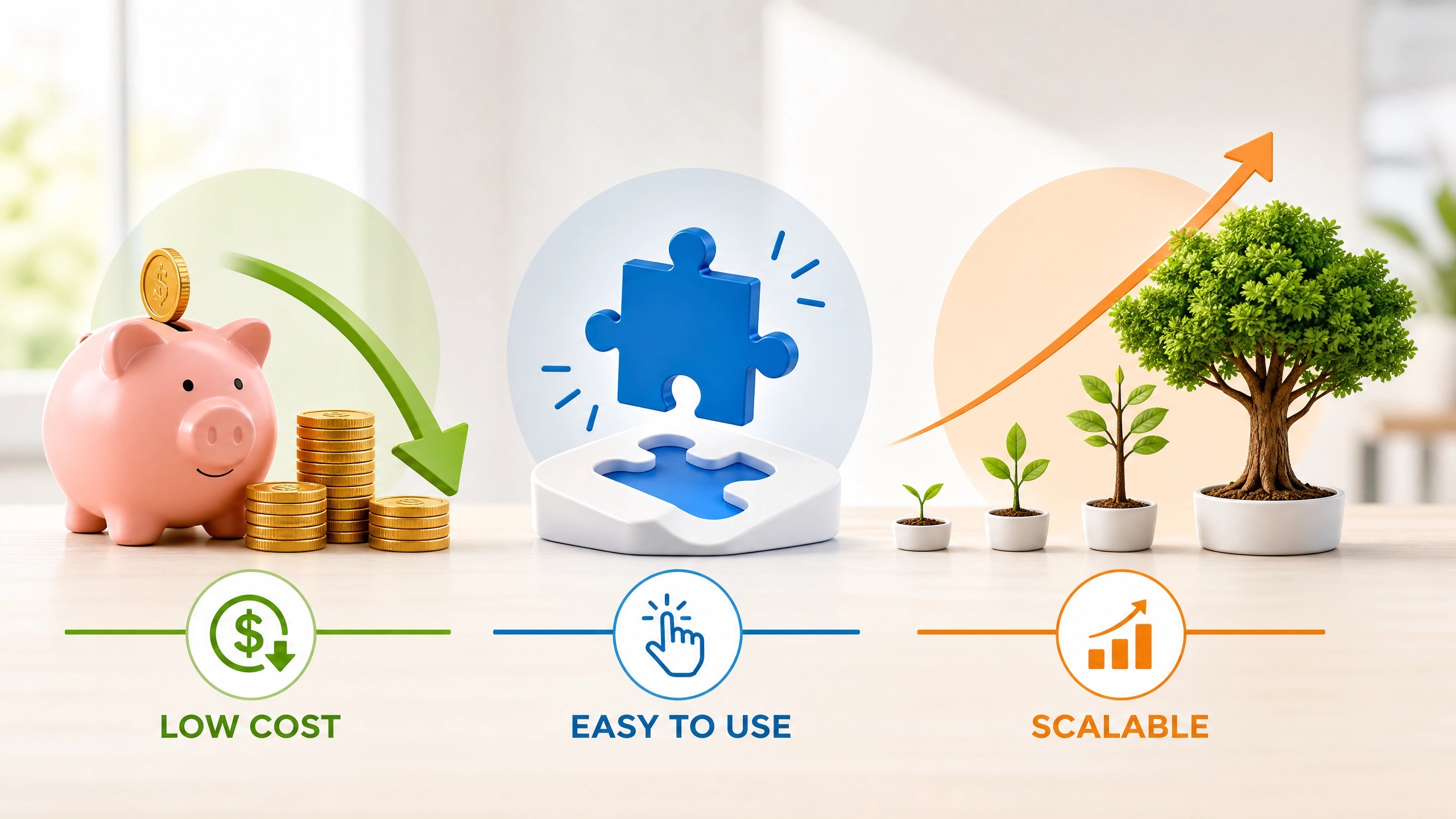
This guide focuses on what startups actually need: low cost, easy adoption, and scalability. It also includes a free vs paid plan comparison and explains why Udesk can be a strong option for growing support operations.
1. Why Startups Need a Dedicated Help Desk System
Early teams often handle customer support through email, spreadsheets, and instant messages. This may work at the very beginning, but it usually creates problems as the user base grows.
First, customer inquiries become scattered across multiple channels. Support teams have to switch between tools, which increases the risk of missing important messages or repeating the same information.
Second, progress becomes invisible. Without a unified ticket system, it is difficult to track who is handling a problem, what has been done, and whether the issue has been resolved.
Third, learning becomes difficult. Startups need customer feedback to improve products, services, and processes. If conversations are not properly recorded, it becomes hard to identify recurring issues and build reusable solutions.
That is why startup customer support tools should focus on three foundational goals: centralizing inquiries, standardizing support workflows, and making teamwork visible.
2. Free vs Paid Help Desk Software: Which Is Right for You?
Startups often wonder whether to start with a free plan or move directly to paid software. The decision depends on team size, inquiry volume, collaboration needs, and growth plans.

When free tools make sense
Free help desk tools are generally suitable for:
- Very small teams or solo founders;
- Low daily inquiry volume;
- Basic needs for receiving and replying to customers;
- Situations where advanced workflows, permissions, and reporting are not yet required;
- Teams that want to test a tool before committing.
The main advantage of free plans is low risk. They allow startups to build basic support processes without upfront investment. However, free tools often come with limitations on seats, message volume, reporting, and advanced collaboration features. As the business grows, these limitations can become bottlenecks.
When paid help desk software makes sense
Paid tools are usually better when:
- The team is expanding;
- Customer inquiries arrive consistently;
- Multiple people need to work on tickets together;
- There is a clear need for permissions, routing rules, and quality tracking;
- The business expects to grow within the next 6 to 12 months.
For startups, paid help desk software is not just an expense. It is an investment in efficiency. Choosing a truly affordable help desk software with flexible pricing can reduce future tool switching costs, data migration work, and team retraining.
3. How Startups Should Evaluate Help Desk Tools
1. Affordability: Avoid overbuying at an early stage
Startups should only pay for what they actually need. At first, complex features like advanced call centers, enterprise AI modules, or private deployment may not be necessary.
Instead, look for subscription-based pricing, per-seat billing, and flexible upgrades. This allows teams to start small and add capabilities only when the volume of support work justifies the cost.
2. Ease of use: Reduce training and adoption time
Early teams rarely have dedicated trainers or large IT teams. The tool should be intuitive enough that new agents can start handling tickets quickly.
Important questions to ask include:
- Can the tool be set up quickly?
- Is the ticket list clear and actionable?
- Can agents reply to customers without unnecessary steps?
- Can team members collaborate easily inside a ticket?
- Does it support common channels in one place?
3. Scalability: Choose a system that grows with you
A good help desk system should not only work today but also support the business tomorrow. When the team grows from a few people to a larger support team, the tool should still handle more tickets, more agents, and more complex workflows.
Scalability means:
- Adding seats does not break the experience;
- Permissions can be defined more precisely over time;
- Automation rules can be added gradually;
- Reporting becomes more detailed as the team matures;
- The system can integrate with CRM, order systems, website forms, and other business tools.
4. Udesk: A Scalable Help Desk Solution for Startups
For startups that want to build standardized customer support early without overspending, Udesk is worth considering as a growth-oriented help desk platform.
Udesk offers per-seat subscriptions, which means early teams can start with a small number of agents and expand as support demands increase. Its core capabilities include unified ticket management, multi-channel messaging, intelligent routing, team collaboration, reporting, and AI-assisted replies.
For early-stage teams, Udesk has three main strengths:
First, it creates a clear support workflow. Customer inquiries become tickets that can be organized by status, priority, and assignee, reducing the chance that issues fall through the cracks.
Second, it improves internal collaboration. Agents, team leads, and managers can work inside the same ticket, reducing repeated communication and information loss.
Third, it supports long-term growth. As a startup moves from early validation to scalable operations, Udesk can be expanded with more advanced automation, AI assistance, quality control, and multi-channel capabilities.
For these reasons, Udesk works well for startups that want to build long-term customer service capacity while keeping initial costs manageable.
5. Practical Implementation Tips for Startups
1. Unify channels first, then optimize workflows
Do not wait for a perfect process. Start by bringing customer inquiries into one system. At minimum, the team should know where each customer came from, what problem they reported, and who is handling it.
2. Standardize first, then automate
Early on, define basic ticket statuses such as Open, In Progress, Replied, and Closed. Once the team is comfortable with the workflow, gradually add automation rules, reminders, and auto-responses.
3. Solve high-frequency problems first
Startup resources are limited. Prioritize common issues such as order questions, after-sales problems, product usage questions, and complaints. Once these are handled consistently, move toward satisfaction surveys, quality analysis, and process optimization.
4. Choose a system that supports migration and growth
Avoid tools that lock the team into a rigid structure or make future migration difficult. Startups change quickly, and the help desk system should be able to change with them.
FAQ
Q1: Do startups need paid help desk software right away?
A: Not necessarily. If the team is very small and inquiry volume is low, free or lightweight tools can work for initial validation. However, if customer inquiries are growing consistently, paid help desk software usually provides clearer workflows, better collaboration, and more stable service quality.
Q2: Are free help desk tools enough for startups?
A: Free plans are good for early testing and lightweight support. When teams need multi-agent collaboration, unified tickets, progress tracking, and service quality analysis, free tools often show limitations.
Q3: What should startups look for first in a help desk tool?
A: Prioritize three things: the ability to unify customer inquiries, ease of use, and scalability. Complex advanced features that are not needed immediately should not be the main decision factor.
Q4: Is Udesk suitable for small startup teams?
A: Yes. Udesk supports per-seat subscriptions, so early teams can start with a small number of agents, build basic workflows, and expand into more advanced customer service capabilities over time.
》》Click to start your free trial of Udesk customer service solution, and experience the advantages firsthand.

The article is original by Udesk, and when reprinted, the source must be indicated:https://www.udeskglobal.com/blog/best-help-desk-software-for-startups-in-2026.html
customer support softwarehelp desk software
next: Best Call Center Software for Cross-Border Teams in 2026prev: Best AI Chatbot for Shopify Stores in 2026